Remote Consultations, Fully Connected Care
Care18 telemedicine connects doctors and patients through secure video consultations while keeping every session inside the same clinical record. Consultation notes, e-prescriptions and follow-up plans are captured in one place, so remote care feels as structured and traceable as an in-person visit.
- Secure doctor-patient video sessions
- E-prescriptions issued during the call
- One record for every visit
- Follow-ups planned in the same flow
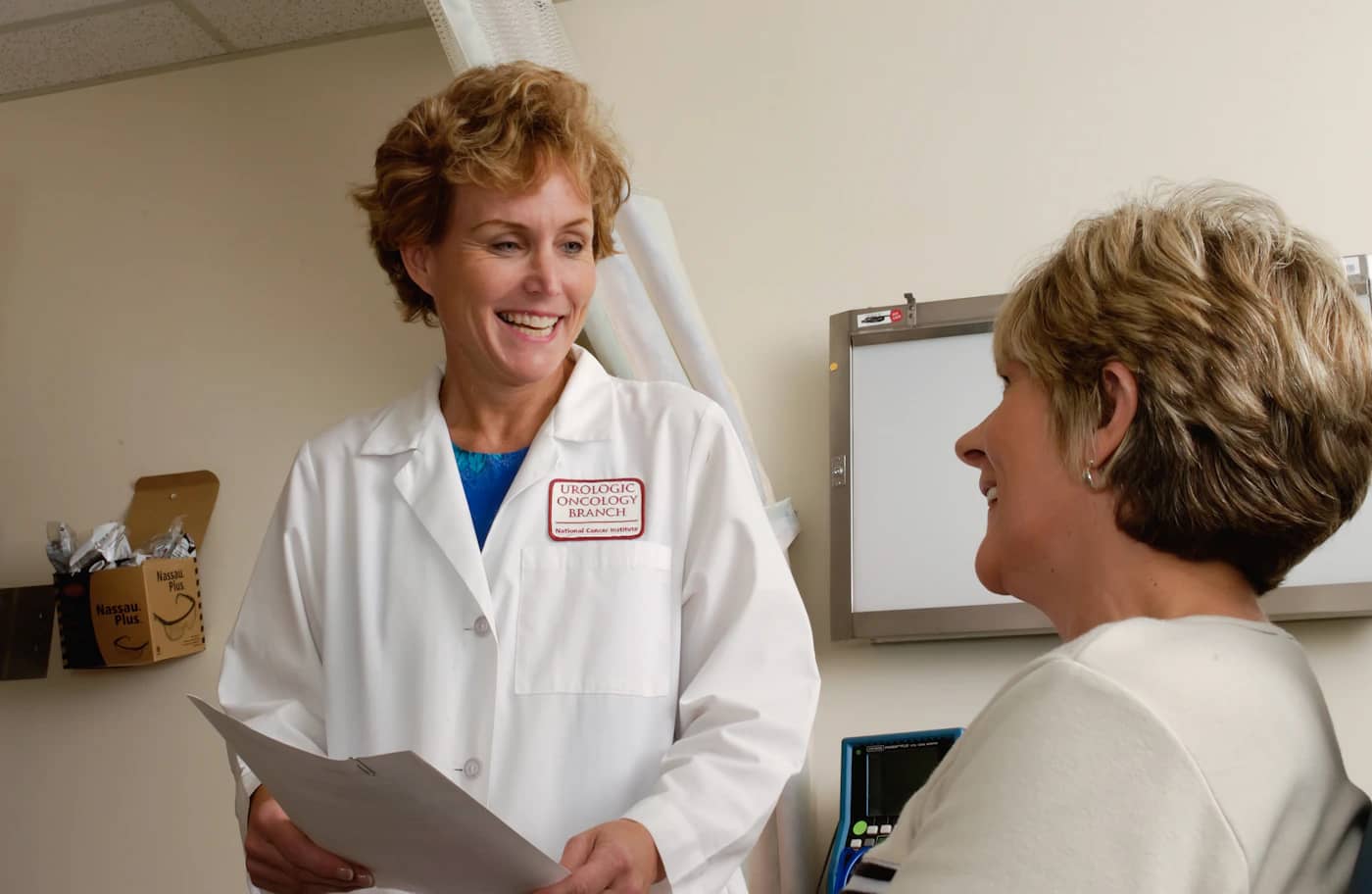
What Is Telemedicine in Care18?
Telemedicine in Care18 treats a remote consultation as a first-class visit rather than a side channel. Patients join from home, doctors work from the same schedules they use for in-person clinics, and every session writes back to the patient record the rest of the hospital already relies on. Reception, billing and pharmacy teams see remote visits alongside walk-in appointments, so nothing is tracked separately and nothing gets lost between systems.
- Video sessions booked through the same schedule as in-person clinics
- Consultation notes and prescriptions saved to the record immediately
- Follow-up visits planned and tracked from the consultation screen
- Visit history and billing visible to reception without separate entry

Key Benefits
Care Beyond the Clinic Walls
Patients who cannot travel join from home while doctors keep the same schedules, records and prescribing routines they already use.
Complete Visit Continuity
Remote sessions write back to the same patient record, so the next in-person visit starts with full context already in place.
Less Administrative Rework
Notes, prescriptions and follow-up plans captured during the call flow into the record without re-typing or separate documentation.
Structured Specialist Access
Referral consultations and review sessions run as booked appointments with clear ownership, timing and documentation attached to each encounter.
Key Features
Secure Video Consultations
Browser-based sessions connect doctor and patient with access controls that keep the consultation private from join to sign-off.
E-Prescriptions
Issue digital prescriptions during the session, saved against the visit record and available to pharmacy and the patient portal immediately.
Unified Visit Records
Every remote consultation is documented in the same record used for in-person care, with history, notes and outcomes together.
Follow-up Sessions
Schedule review calls at the end of a consultation and track pending follow-ups so continuity is never left to memory.
Access Control & Privacy
Role-based permissions and session controls ensure only authorised staff can join, view or share consultation details and clinical documentation throughout the encounter.
Any-Device Joining
Patients join from a phone or computer through a simple link, while doctors work from the clinical workspace they already know.
The Telemedicine Visit Flow
From booking to follow-up, a remote consultation follows the same disciplined path as an in-clinic visit.
- 01
Appointment Booking
Patient books a telemedicine slot through the portal or reception and receives joining details before the scheduled time.
- 02
Secure Join
Patient joins from a simple link, where identity and appointment details are confirmed before the session opens.
- 03
Video Consultation
Doctor reviews history, discusses symptoms and documents findings directly into the patient record during the live session.
- 04
E-Prescription & Orders
Prescriptions, advice and any investigations are issued from the consultation screen and linked to the visit record.
- 05
Follow-up Planning
A follow-up session is scheduled if needed, with reminders and pending status tracked until the review is complete.
Security Built Into Every Layer
Hospital data deserves enterprise-grade protection. Care18 is designed with security at its core — access control, encryption, auditability and recoverability.
Role-Based Access Control
Every user sees only what their role permits, down to the field and report.
Encrypted Data
Encryption in transit and at rest for records, attachments and backups.
Audit Trails
Immutable, timestamped logs of who changed what, when and from where.
Secure Authentication
Password policy, multi-factor options and session control for sensitive actions.
Cloud Backups
Automated, encrypted backup schedules with retention policies you control.
Disaster Recovery
Documented recovery procedures, standby infrastructure and restore testing.
Who Benefits
Post-discharge Reviews
Patients recovering at home attend scheduled review sessions without returning to the hospital for every check.
Chronic Care Monitoring
Long-term conditions are reviewed regularly through booked sessions with history and prescriptions already in view.
Rural & Remote Patients
People living far from the facility consult specialists without the travel a clinic visit would require.
Referral Consultations
Referred patients are assessed remotely first, with findings documented before any in-person visit is planned.
Related Modules
Explore other modules that work seamlessly with this solution
Frequently Asked Questions
Bring Consultations to Where Patients Are
Book a free demo to see how telemedicine fits into your appointment schedules, patient records and follow-up workflows.